
Managed IT
Support, backup and disposal from one provider
Managed IT is three services. IT Support runs the environment day to day, at one price per user with the security baseline included. Backup and Disaster Recovery keeps the data, and the ability to work, through the day something fails. Secure Device Disposal closes the loop when equipment leaves. Each is scoped and contracted on its own page, with what it includes and what it leaves out stated before any proposal.
What fails is usually between the contracts
An environment assembled over ten years is rarely one contract. Support came from a provider, backup came with a product chosen during a renewal, and the devices replaced last year were never anybody's line item to retire.
On the day a file server dies, or a laptop with a mailbox on it goes missing, the work is finding out which supplier is going to act. The support provider did not sell the backup product. The backup vendor supports its software and nothing around it. Retired equipment has no supplier at all.
The outage costs a day; establishing whose problem it is costs the week after, while the people who needed the server work around it.
Three services
IT Support is the service you notice every day. Backup and Disaster Recovery is the one you notice once. Disposal is the one you notice only if it goes wrong. Each page says what is included, what is not, and how it is priced.
-
 One price per user, security included
IT Support
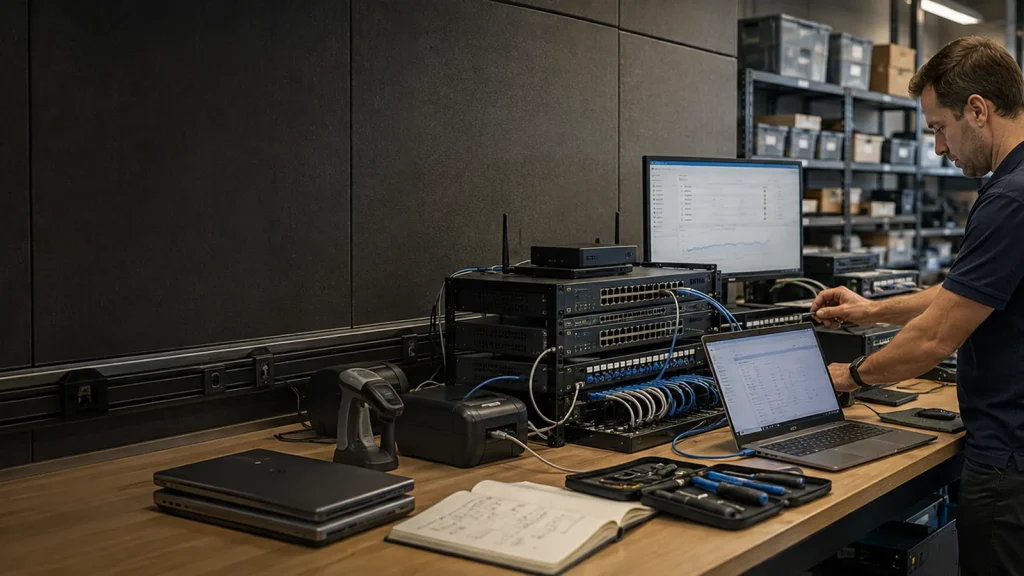
Most managed IT is bought as support and priced as a retainer, with security added later as a project or a line item. The result is an environment where the help desk is responsive, the controls that would have stopped the last incident were never quoted, and the invoice moves every month. Managed IT is one price per user with the security baseline included. Multi-factor authentication, endpoint detection, conditional access and patching are on from onboarding, every inclusion is documented, and the three tiers change how far the security and the governance go while the IT service underneath stays the same.
One price per user, security included
IT Support
Most managed IT is bought as support and priced as a retainer, with security added later as a project or a line item. The result is an environment where the help desk is responsive, the controls that would have stopped the last incident were never quoted, and the invoice moves every month. Managed IT is one price per user with the security baseline included. Multi-factor authentication, endpoint detection, conditional access and patching are on from onboarding, every inclusion is documented, and the three tiers change how far the security and the governance go while the IT service underneath stays the same.
-
 The question is not whether it copied. It is whether it comes back
Backup and Disaster Recovery
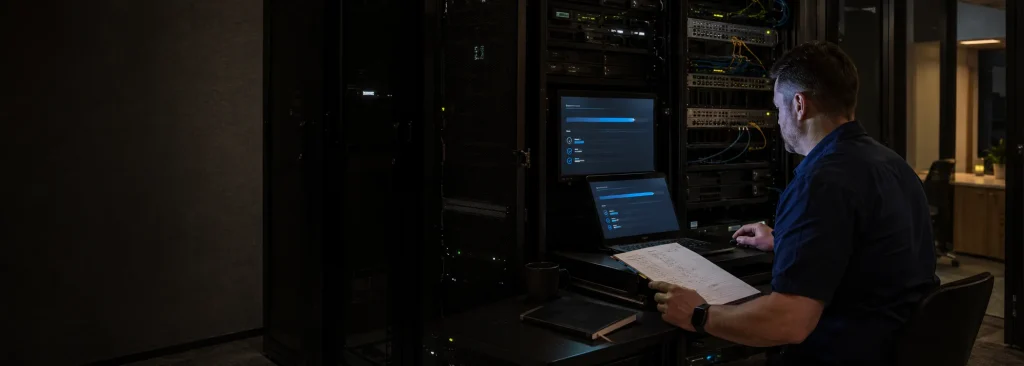
Backup protects the data. Disaster recovery protects the ability to work. How much of each an organisation needs cannot be put on a price list, because it depends on what the organisation does and what stops when a given system does. Ericom works that out with you, designs to the answer, builds it on Acronis with the data held in Australia where that is required, and tests the recovery on a set schedule with the result documented.
The question is not whether it copied. It is whether it comes back
Backup and Disaster Recovery
Backup protects the data. Disaster recovery protects the ability to work. How much of each an organisation needs cannot be put on a price list, because it depends on what the organisation does and what stops when a given system does. Ericom works that out with you, designs to the answer, builds it on Acronis with the data held in Australia where that is required, and tests the recovery on a set schedule with the result documented.
-
Every device accounted for
Secure Device Disposal
Retired phones, tablets and laptops collected, erased and dealt with properly. A signed certificate for every device, a tracked chain of custody from collection to final outcome, and reporting an auditor will accept.
Each service says where it stops
The three are scoped so that where one ends, the next begins. The IT Support tiers state the backup they include, and Backup and Disaster Recovery states where a separate scope starts. IT Support tracks the devices it manages, and Secure Device Disposal describes what happens to them, and to the data on them, when they leave. Buying the three from one provider means those boundaries are set together, and can be read before anything is signed.
Questions IT managers ask
Short answers first.
Do we have to buy all three?
No. Each is contracted on its own page. The IT Support tiers set out the backup they include, and the Backup and Disaster Recovery page covers what sits beyond that: recovery objectives, failover and testing. Disposal is engaged when equipment leaves.
Where does IT Support stop and Cyber Security start?
The line is drawn on the Cyber Security page. In short, IT Support runs the environment with a security baseline built in, and Cyber Security measures the position against the Essential Eight and closes the gaps in order.
What are the service desk hours?
7am to 6pm on business days. Monitoring and automated remediation run around the clock, with severity-one escalation. There is no staffed desk at 2am, and the IT Support page says so. The desk is staffed from the Wollongong head office; Managed IT services in Melbourne run on the same desk and the same escalation, with an office on Queen Street.
Can you take over from our current provider?
Yes. Transition is run as a project, and the IT Support page describes what the first ninety days involve. Ericom supports Sydney organisations from its Wollongong service desk, with engineers attending site from the Illawarra.
Where to begin depends on what broke last
If the desk is the problem, read IT Support first. If the last restore was never tested, Backup and Disaster Recovery. If there is equipment waiting to leave the building, Secure Device Disposal. If it is more than one, call and describe the environment, and we will say which services apply and in what order.
Talk to the Managed IT team